Overview
MySeatPlanner is a browser-based seating planner for weddings, venues, and events, combining layout building, guest management, sharing, and PDF export in one visual workflow.
Why I built it
I wanted to build a practical tool around a real-world planning problem. Seating plans can quickly become messy when guest lists, table layouts, venue features, and last-minute changes are handled across paper, spreadsheets, or static documents. My goal was to create a lightweight browser-based tool that allowed users to plan visually and make changes quickly.
What it does
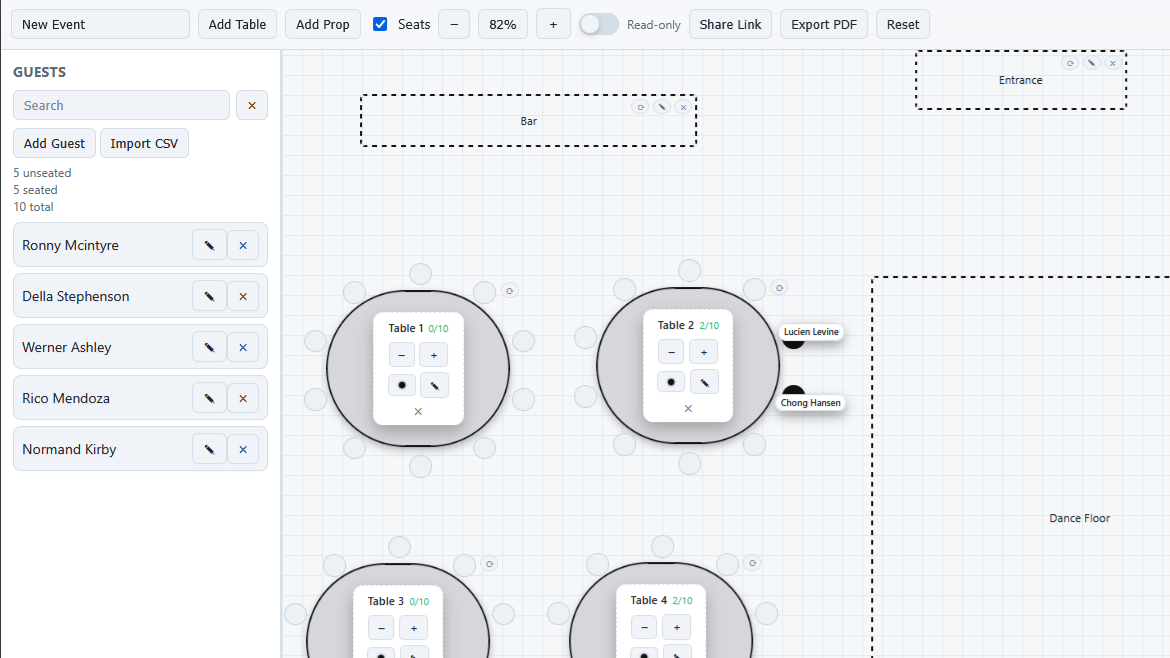
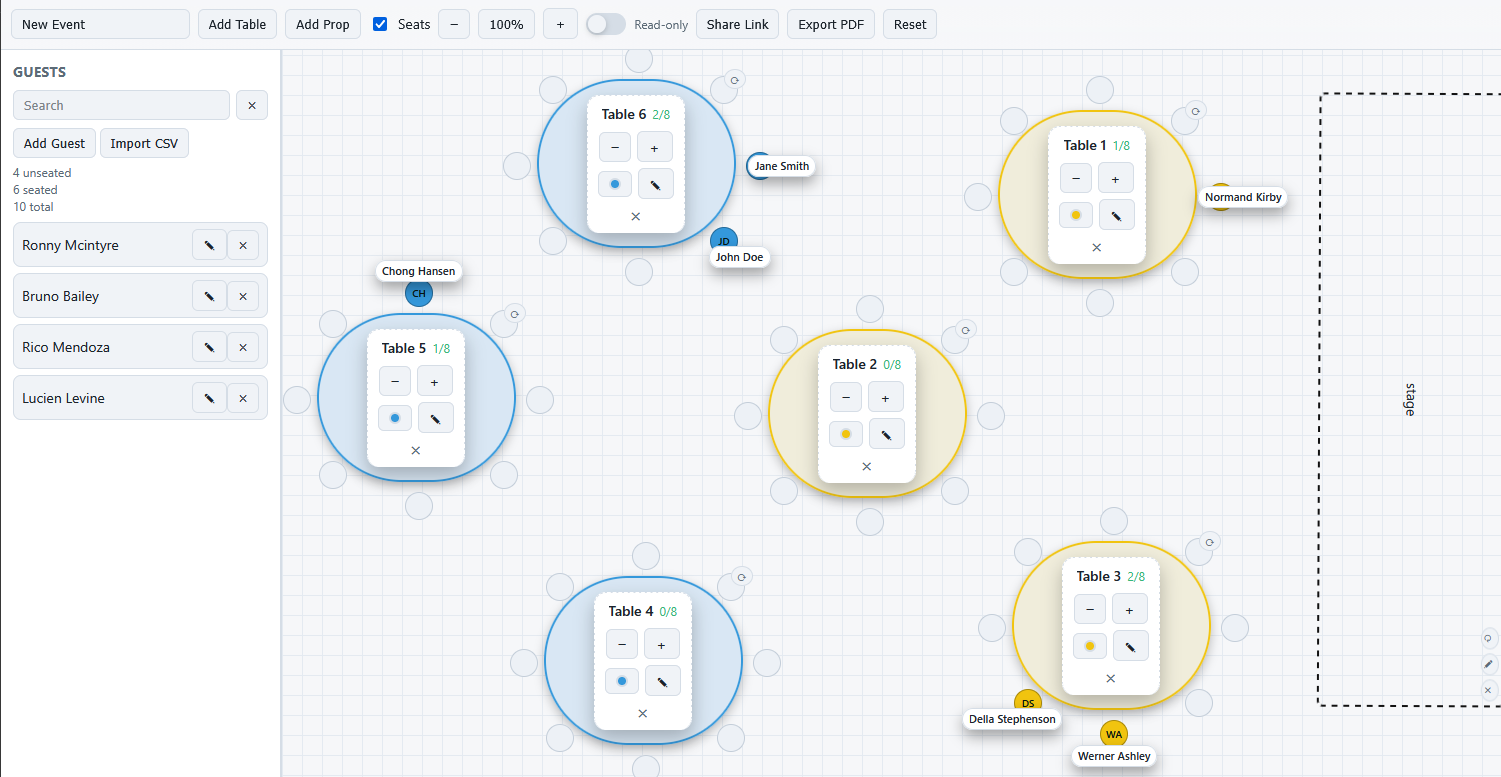
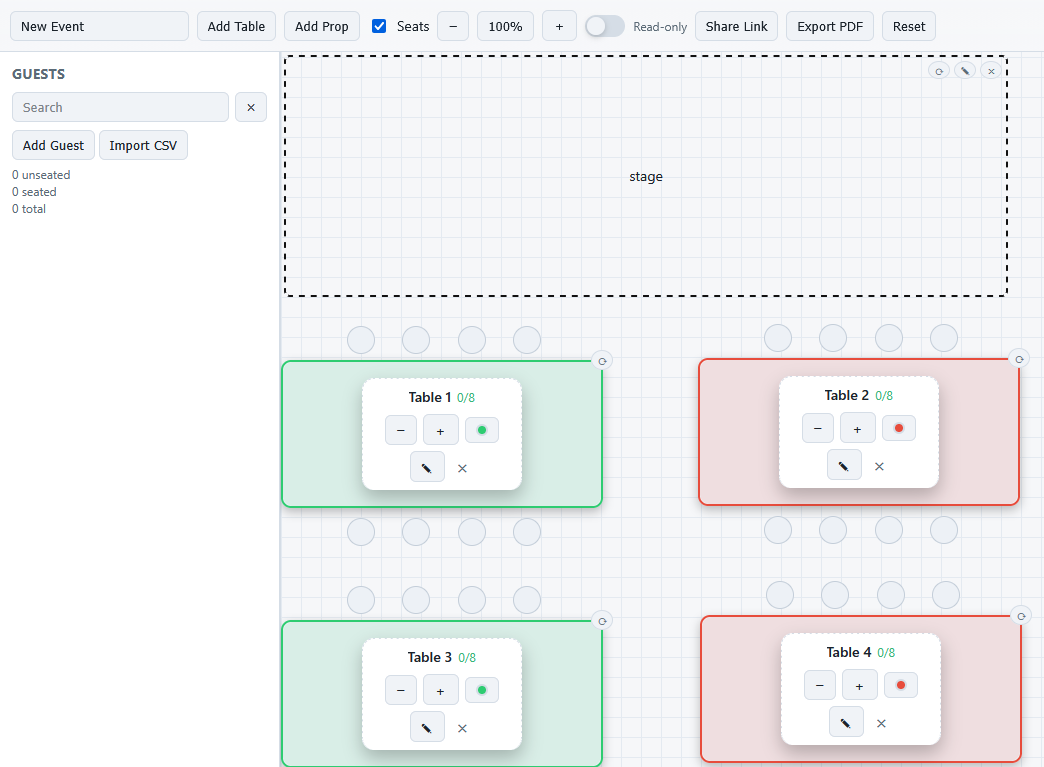
MySeatPlanner allows users to create a new event, add and position tables, assign guests to seats, add venue props such as stages, bars, dance floors, and entrances, and manage seated and unseated guests. It also includes zoom controls, read-only sharing, shareable links, CSV guest import, and PDF export so plans can be shared or printed.
What I worked on
I designed and built the application interface, including the grid-based planning area, draggable and resizable layout elements, table controls, guest management sidebar, seating indicators, colour states, and export/share functionality. A key focus was making the app feel visual and interactive while keeping the controls simple enough for non-technical users.
Tech used
HTML, CSS, JavaScript, local storage, PDF export tooling, responsive layout work, and custom interaction patterns for a visual browser-based planning workflow.
What I learned
This build reinforced how important interface clarity is in tools used under time pressure. It pushed me to think beyond features and focus on fast editing, visible state, and keeping a browser-based workflow lightweight, practical, and easy to share.