Overview
A private browser extension and local dashboard built to make job searching more structured. It captures roles while browsing, scores how well they fit, and keeps everything reviewable in one place.
Why I built it
Job searching gets messy quickly once useful roles, copied notes, application stages, and follow-up decisions start spreading across tabs, spreadsheets, and bookmarks. I wanted a more practical workflow that could capture a role quickly and help me decide whether it was worth pursuing.
What it does
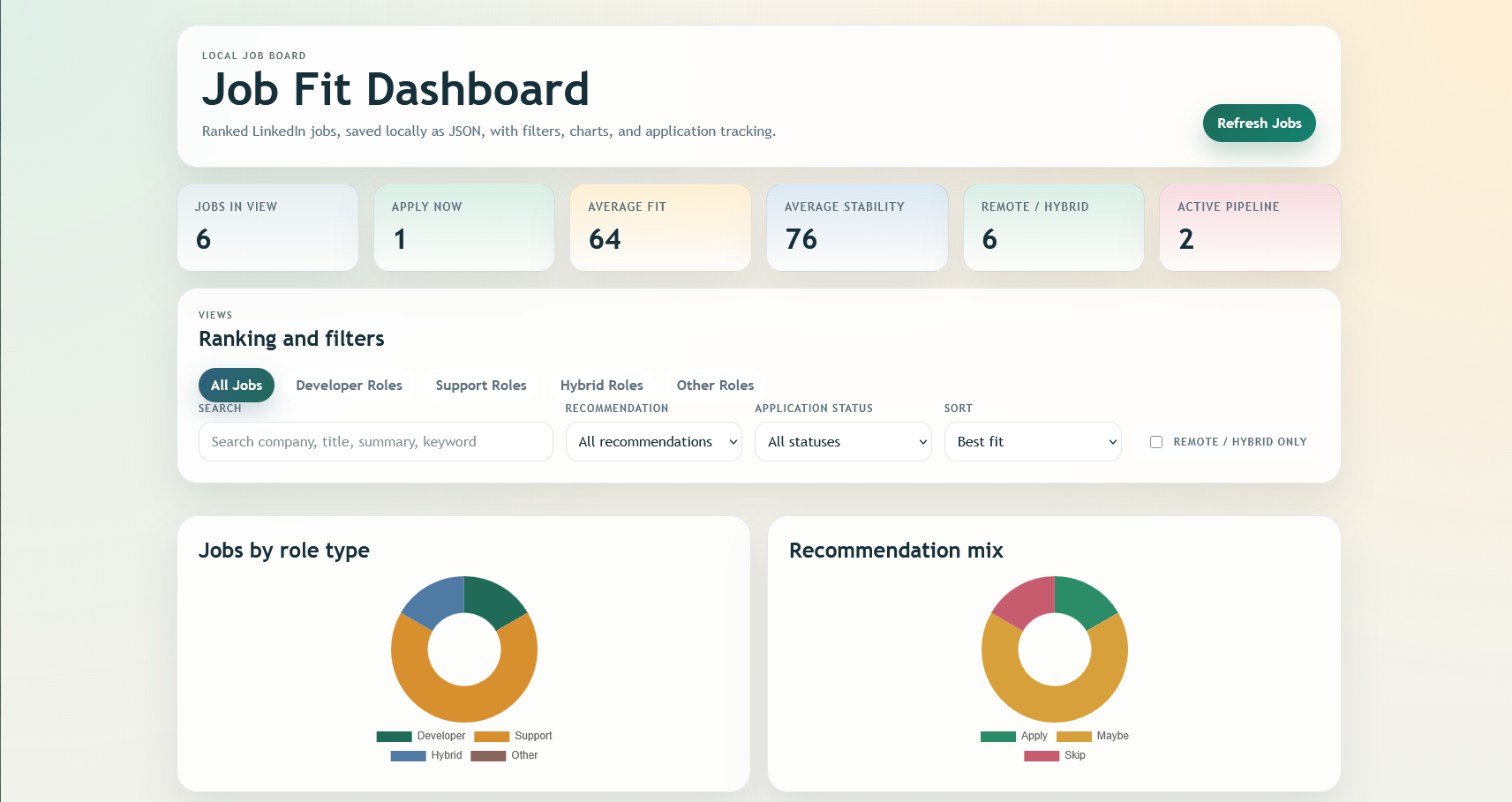
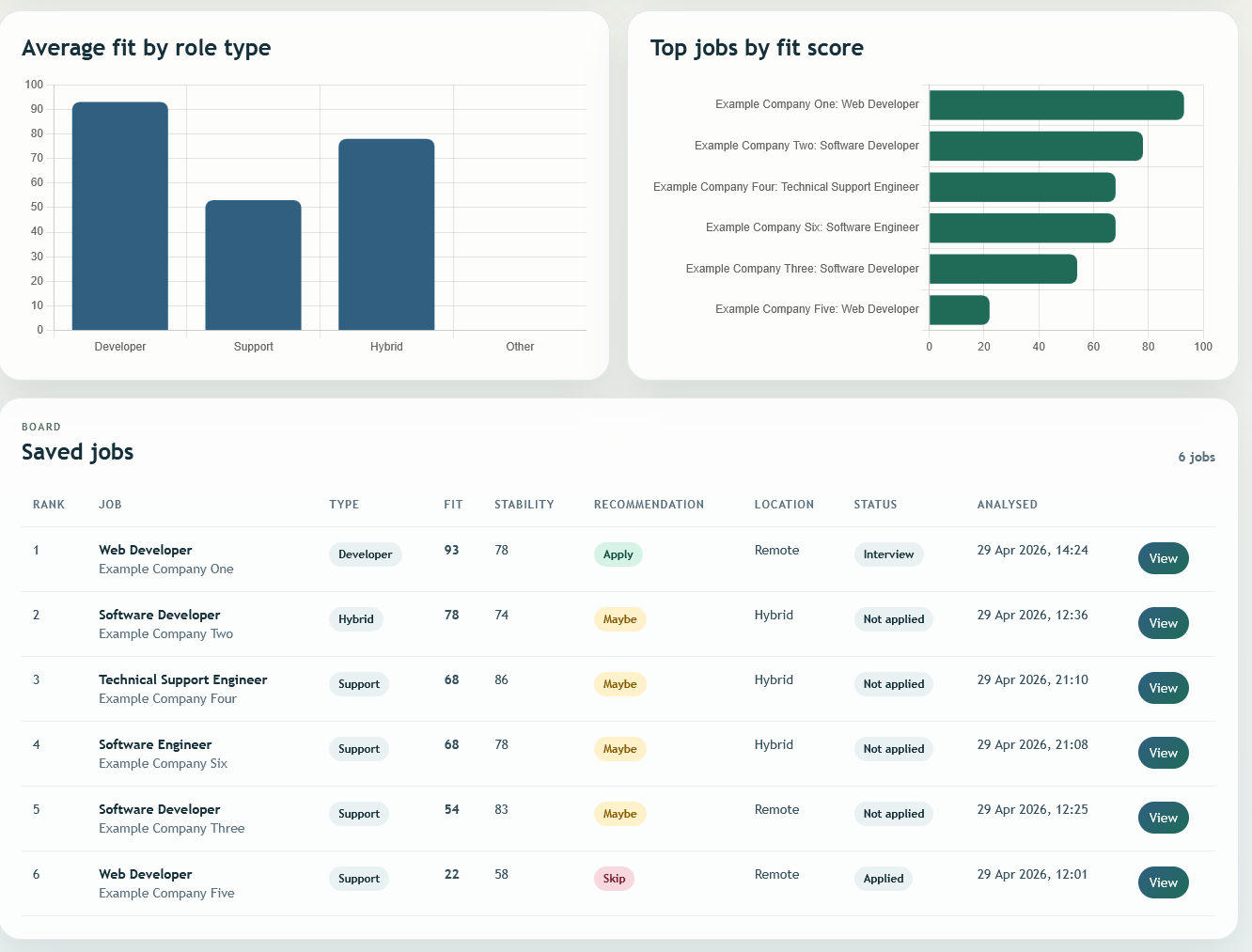
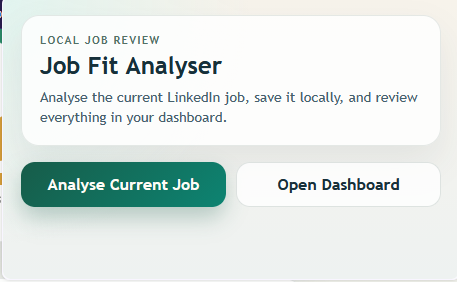
The project lets me analyse the current role, save it locally, review it later in a dashboard, filter and sort saved jobs, track application progress, and compare opportunities using fit, stability, and recommendation signals.
What I worked on
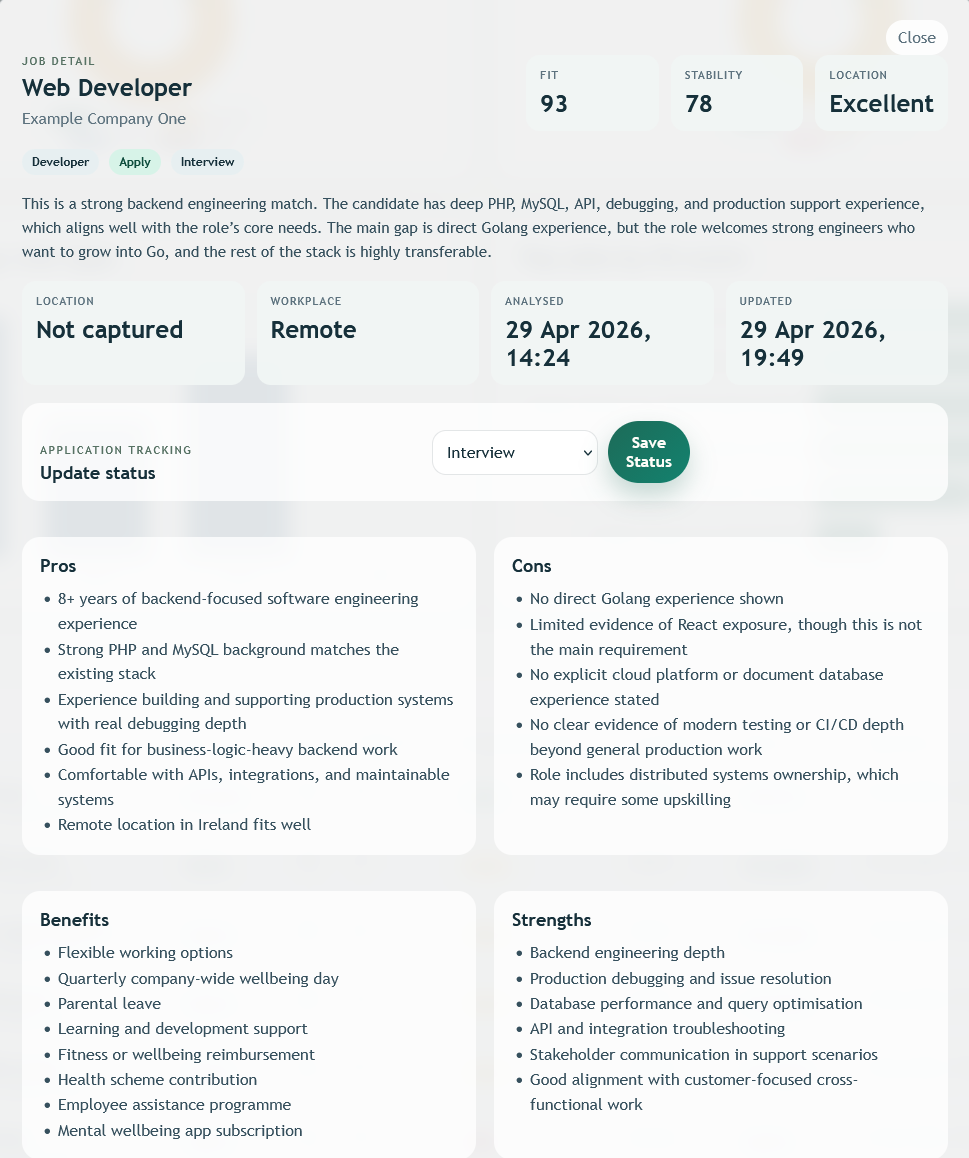
I designed and built the extension popup, the local data structure, the saved-jobs dashboard, the scoring and recommendation presentation, the tracking flow, and the detailed job review screen with strengths, gaps, and notes.
Tech used
JavaScript, browser extension APIs, HTML, CSS, client-side storage, chart-driven UI components, and local-first workflow design focused on fast repeated use.
What I learned
This project sharpened my thinking around workflow design, structured data, and product decisions at a smaller scale. The main lesson was how much value comes from reducing friction and giving a user immediate context for the next decision.